Style Transfer Edit
Keep composition and subject while switching to a new style.
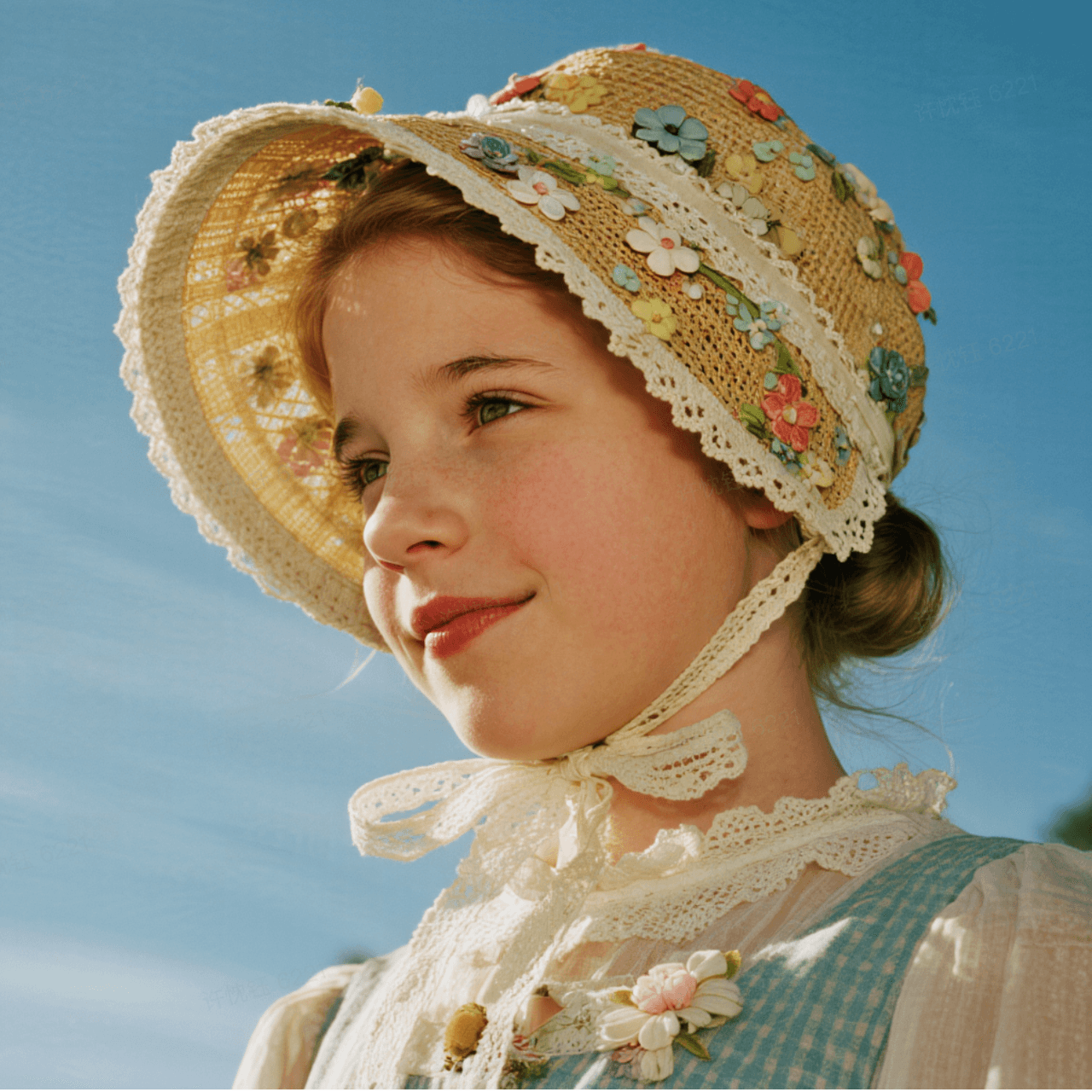
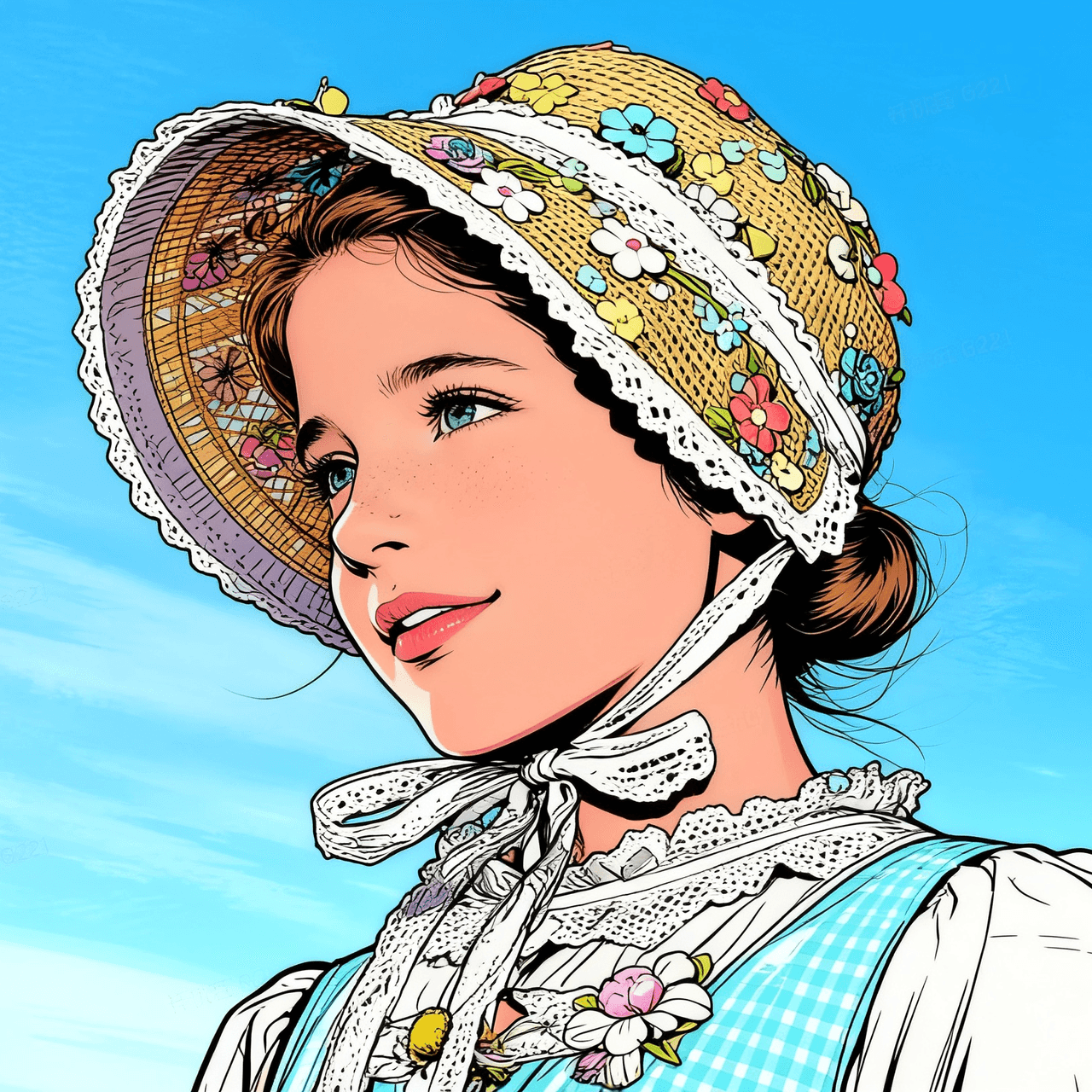
Convert the scene to an American comic style while preserving pose and composition.
Apply it and refine the prompt and settings below
More examples
More style references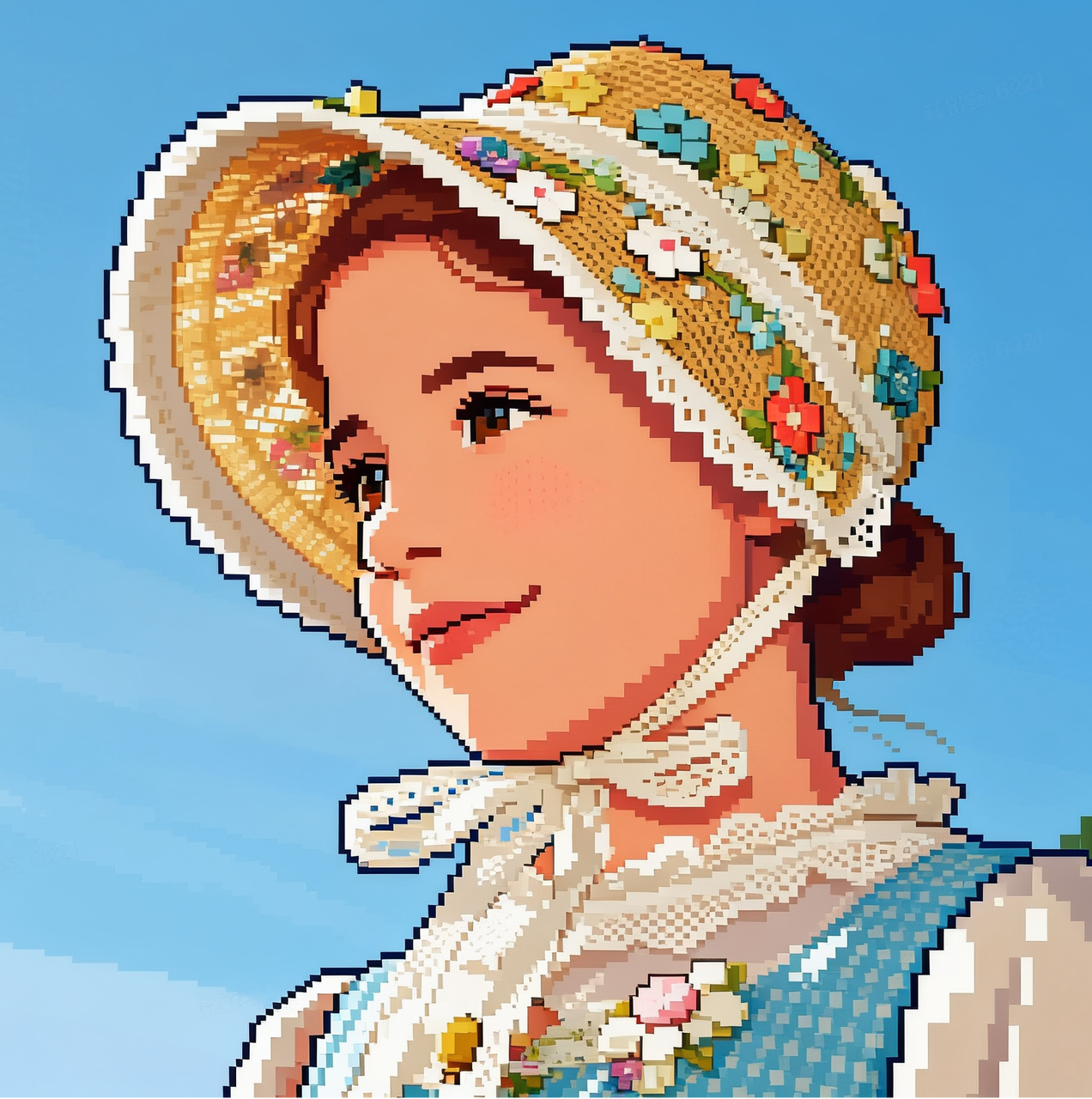
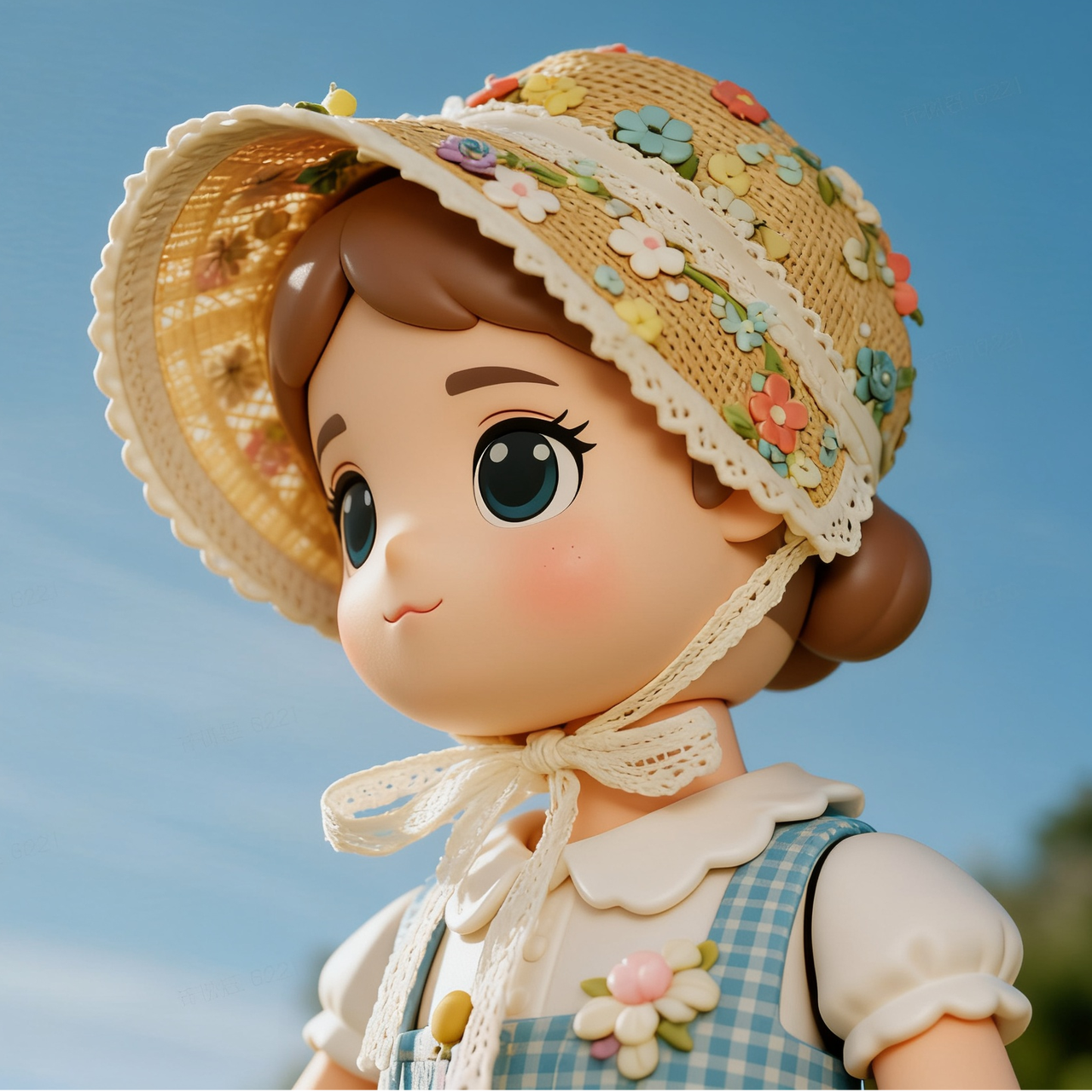
Switch styles in one click
Generate multiple styles from the same source for faster exploration.
One asset needs multiple style directions.
Social visuals need quick illustration or comic style.
Brand teams explore multiple style paths.
Character concepts need different art styles.
- Keeps composition with a clear new style.
- Great for batch style exploration.
- Supports iterative fine-tuning.
Related Templates
More recommendations based on scene and tags


Add Elements Editing
Add props or decorative elements while keeping the subject intact.
"Add a floating balloon and soft light flares while keeping the original subject style consistent."
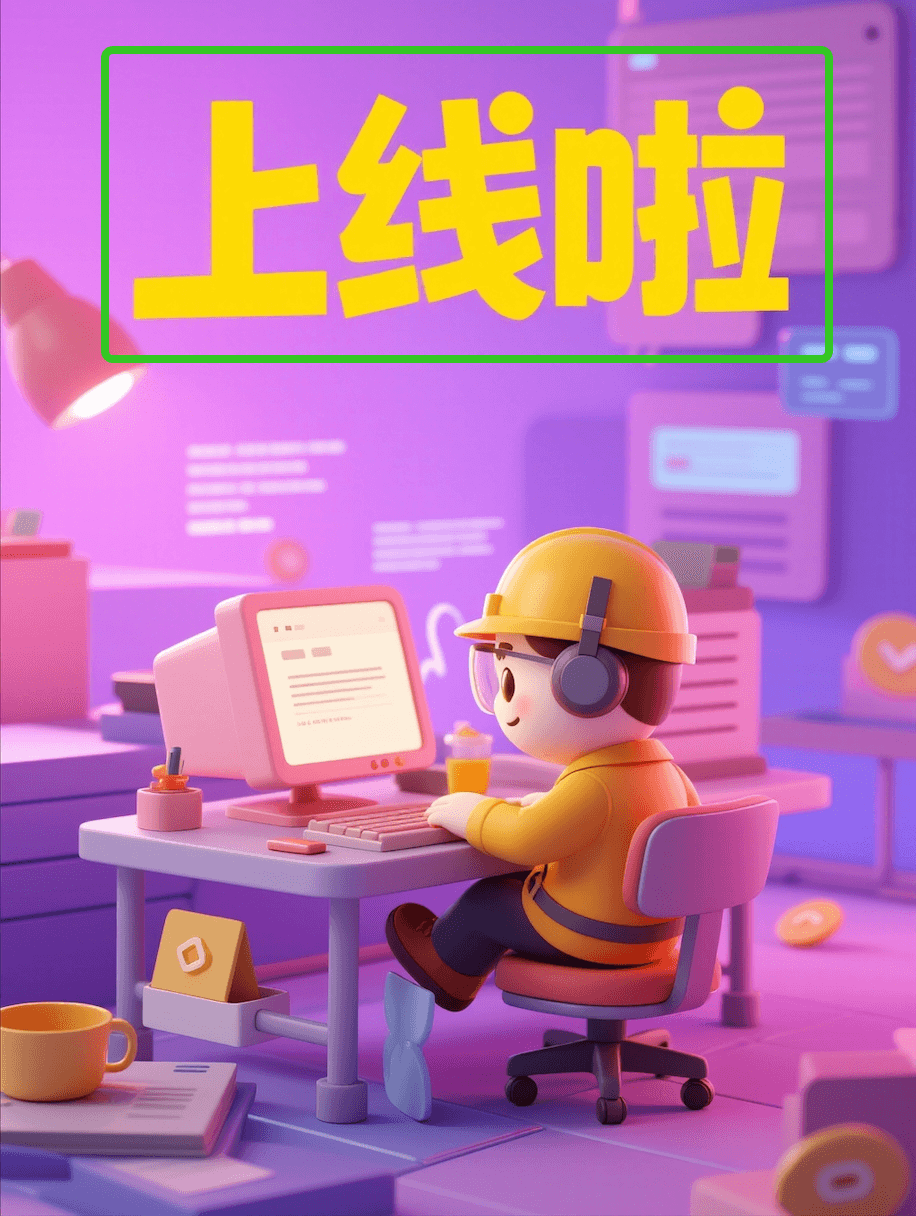

Text Replacement & Layout
Replace text while preserving layout and visual texture.
"Replace the text with “New Arrival”, keep a modern font and visual harmony."
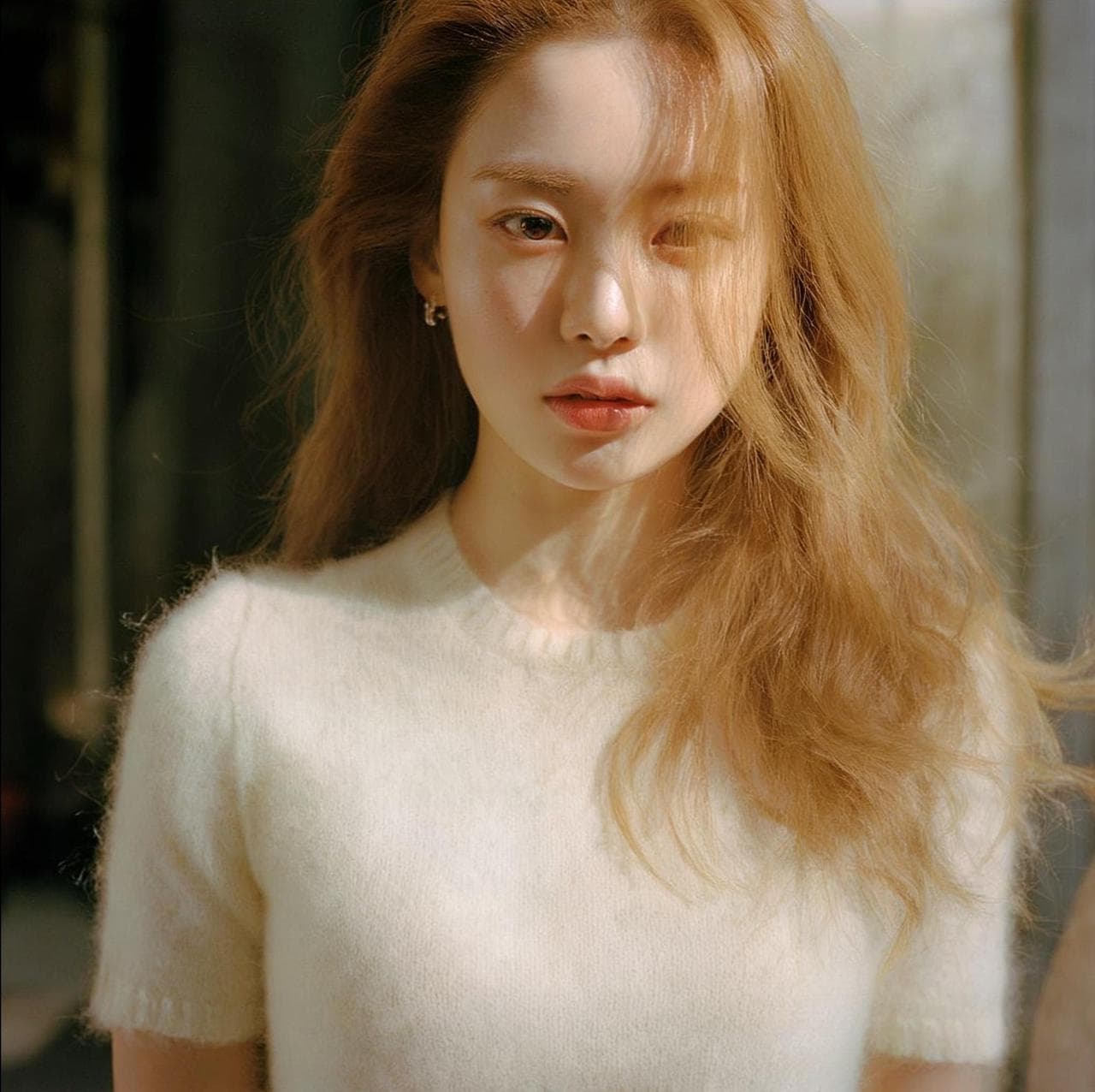
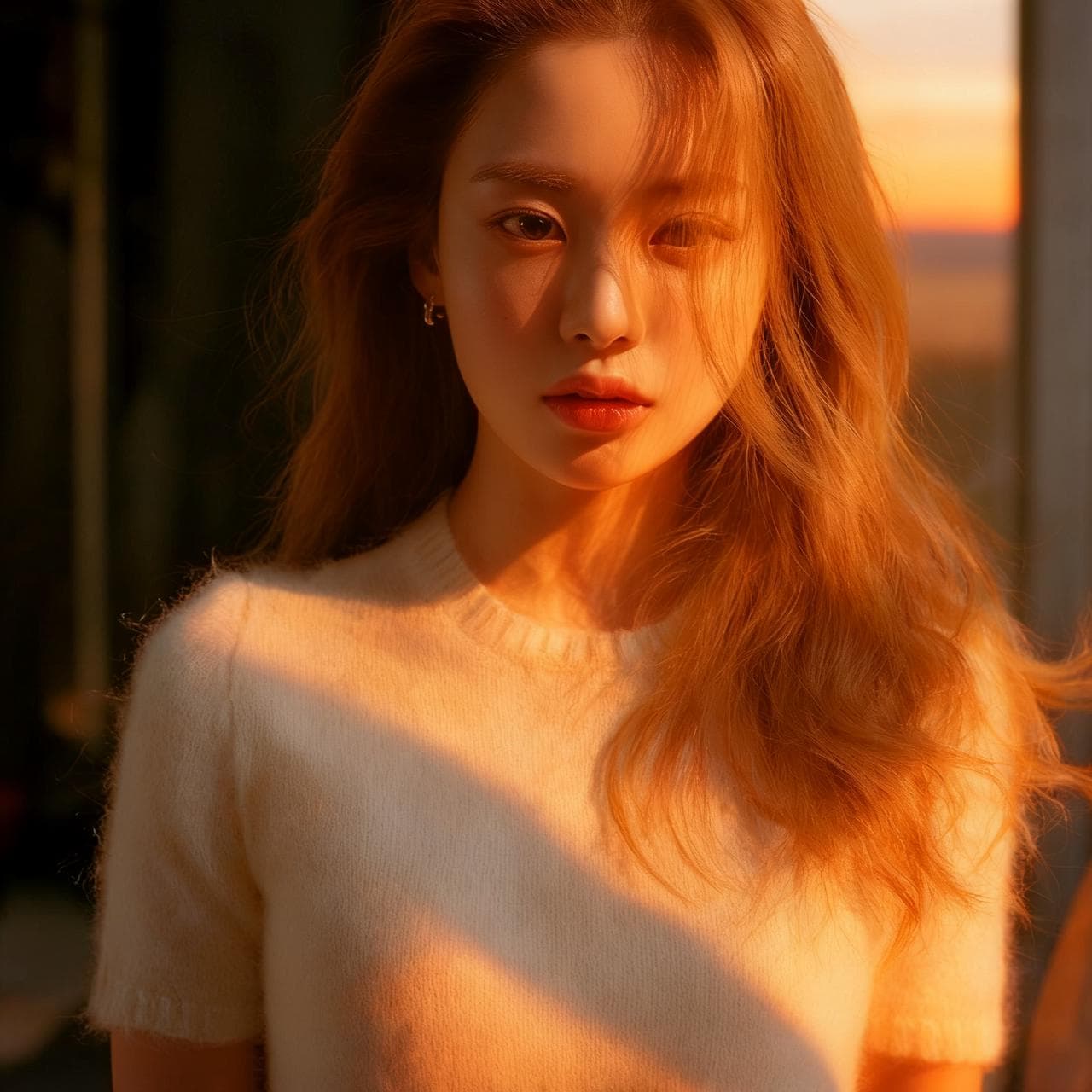
Lighting & Mood Adjustment
Adjust lighting direction and tone to enhance mood.
"Switch to rim lighting with warm tones to create a sunset mood."
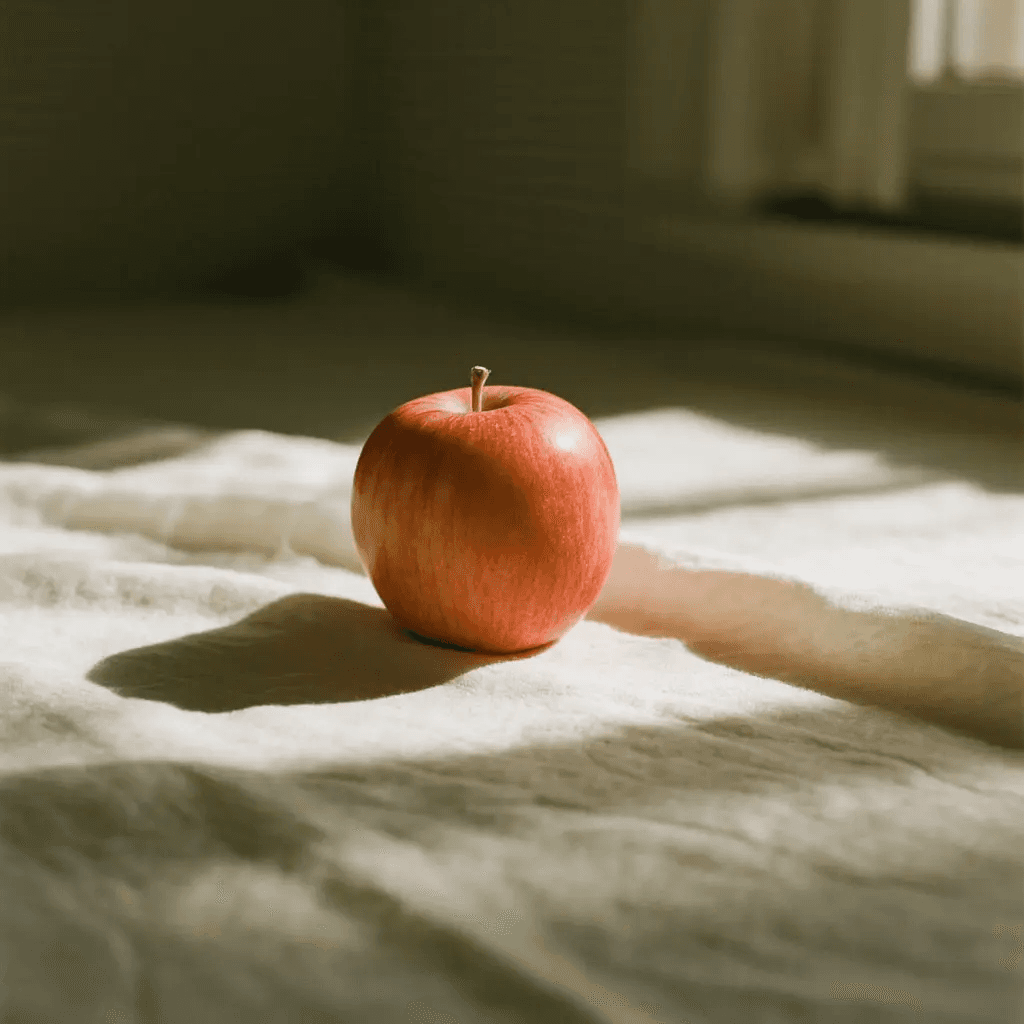
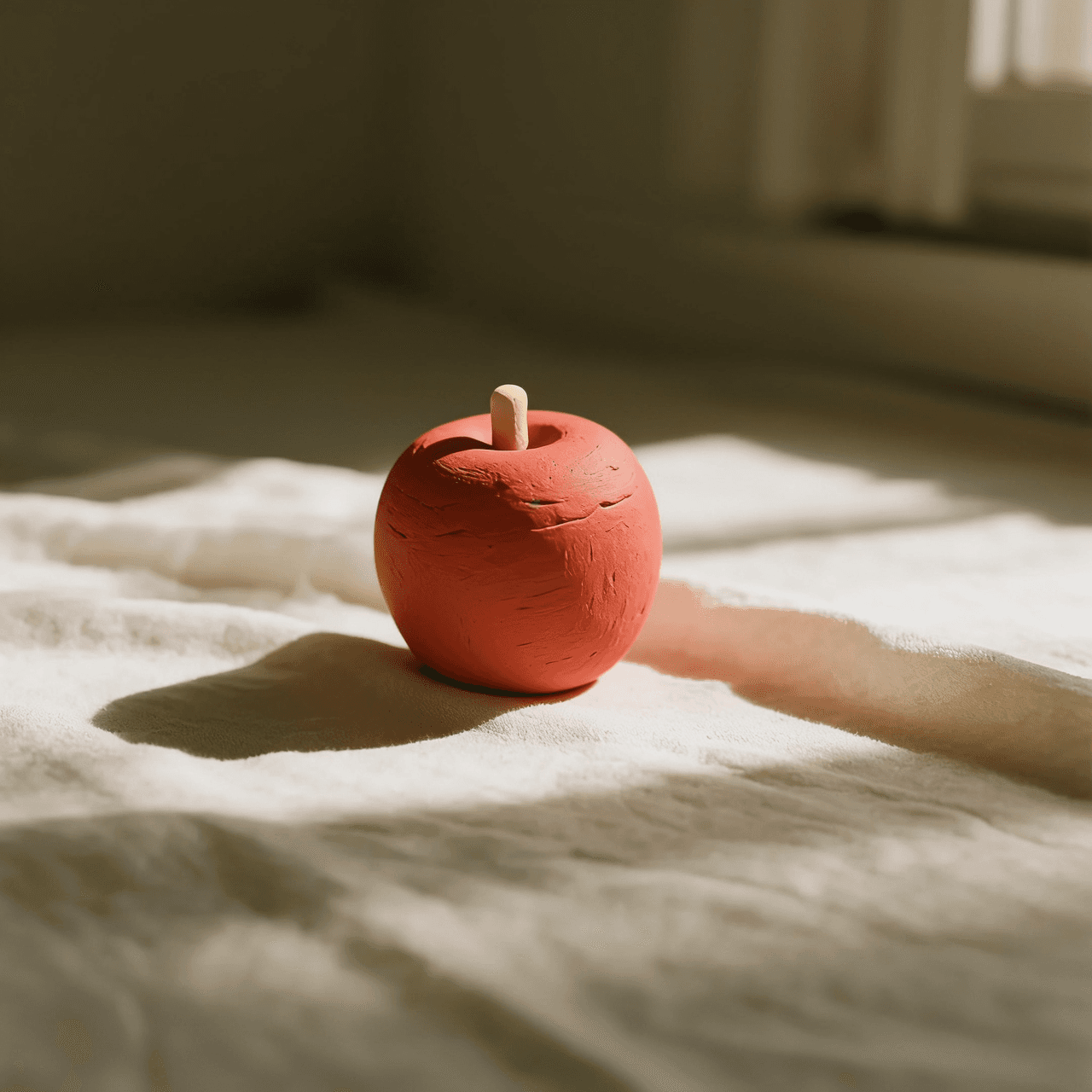
Material Swap
Swap materials while preserving the original form.
"Replace the material with fine leather texture while preserving the original shape."
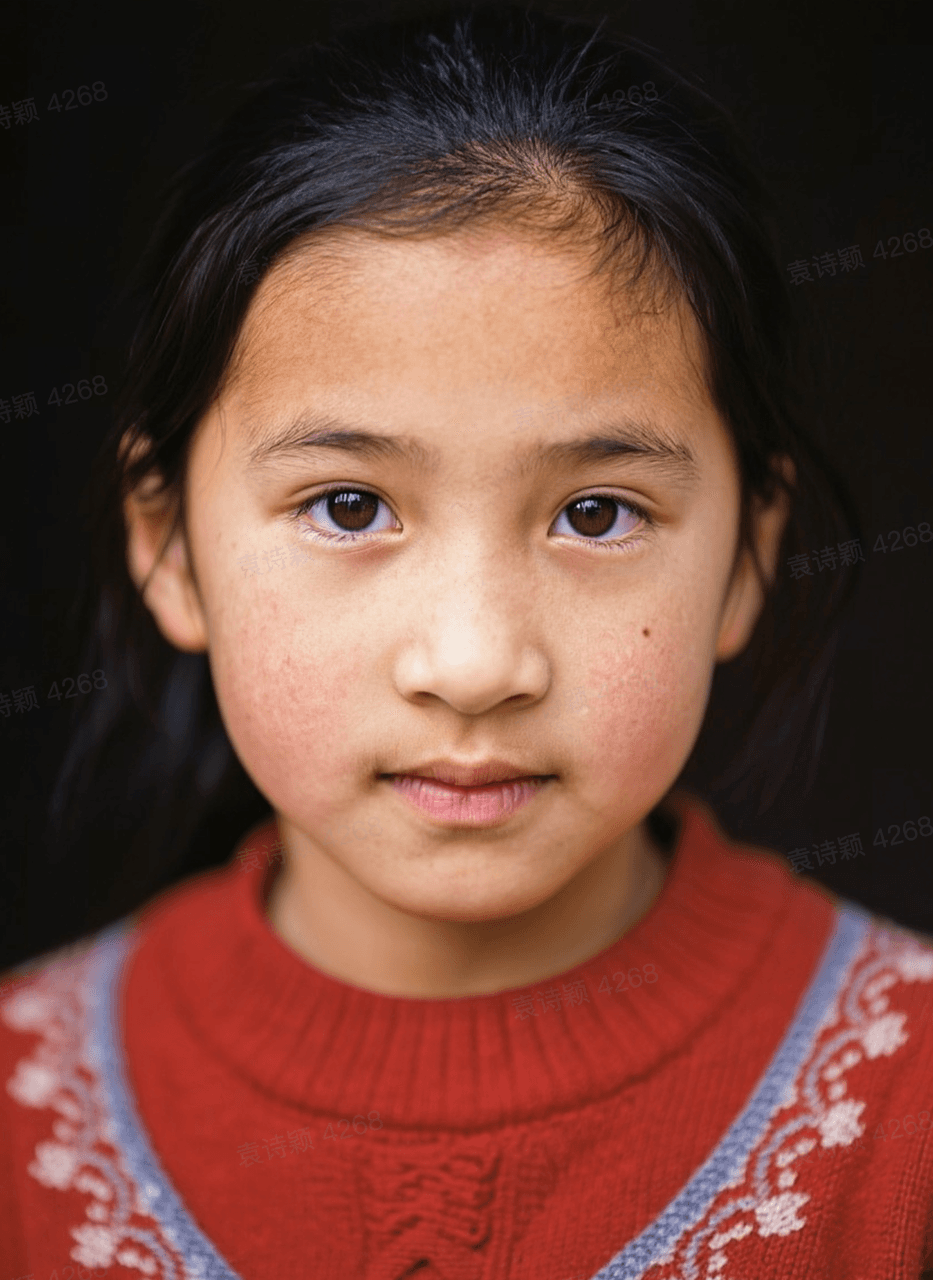
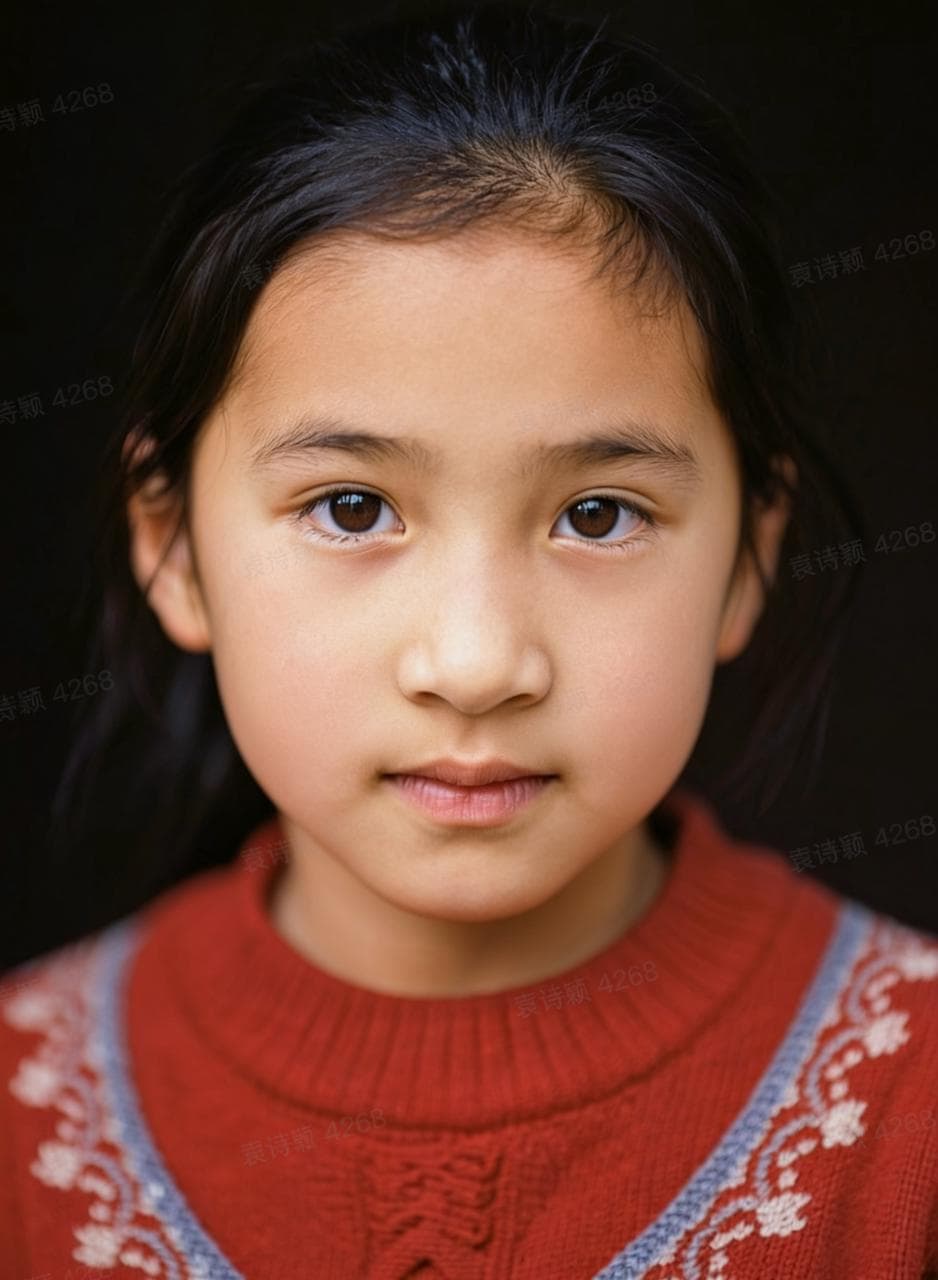
Portrait Retouch
Retouch skin and lighting while preserving natural details.
"Retouch the face for smoother yet natural skin while keeping pores and details."
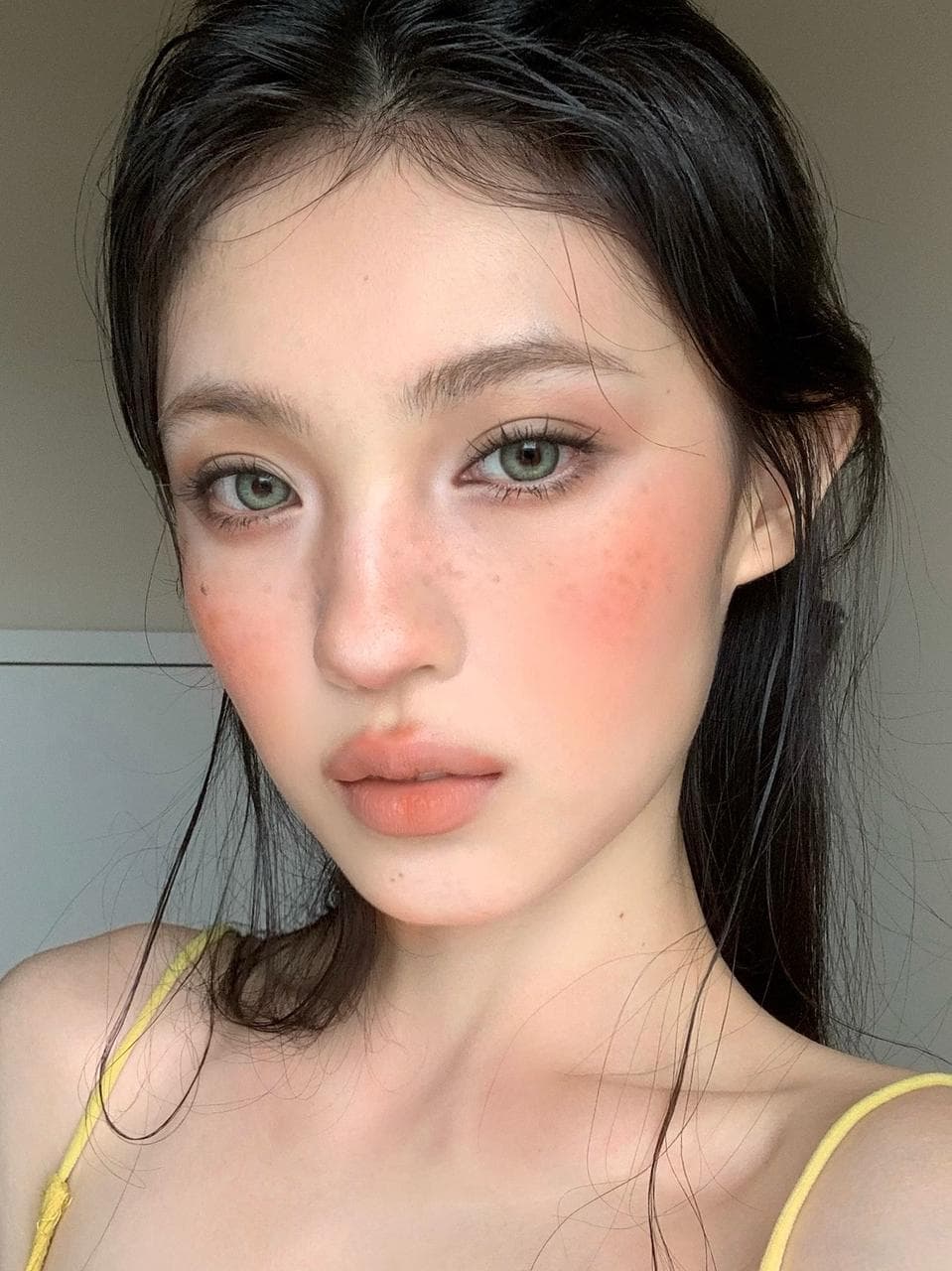
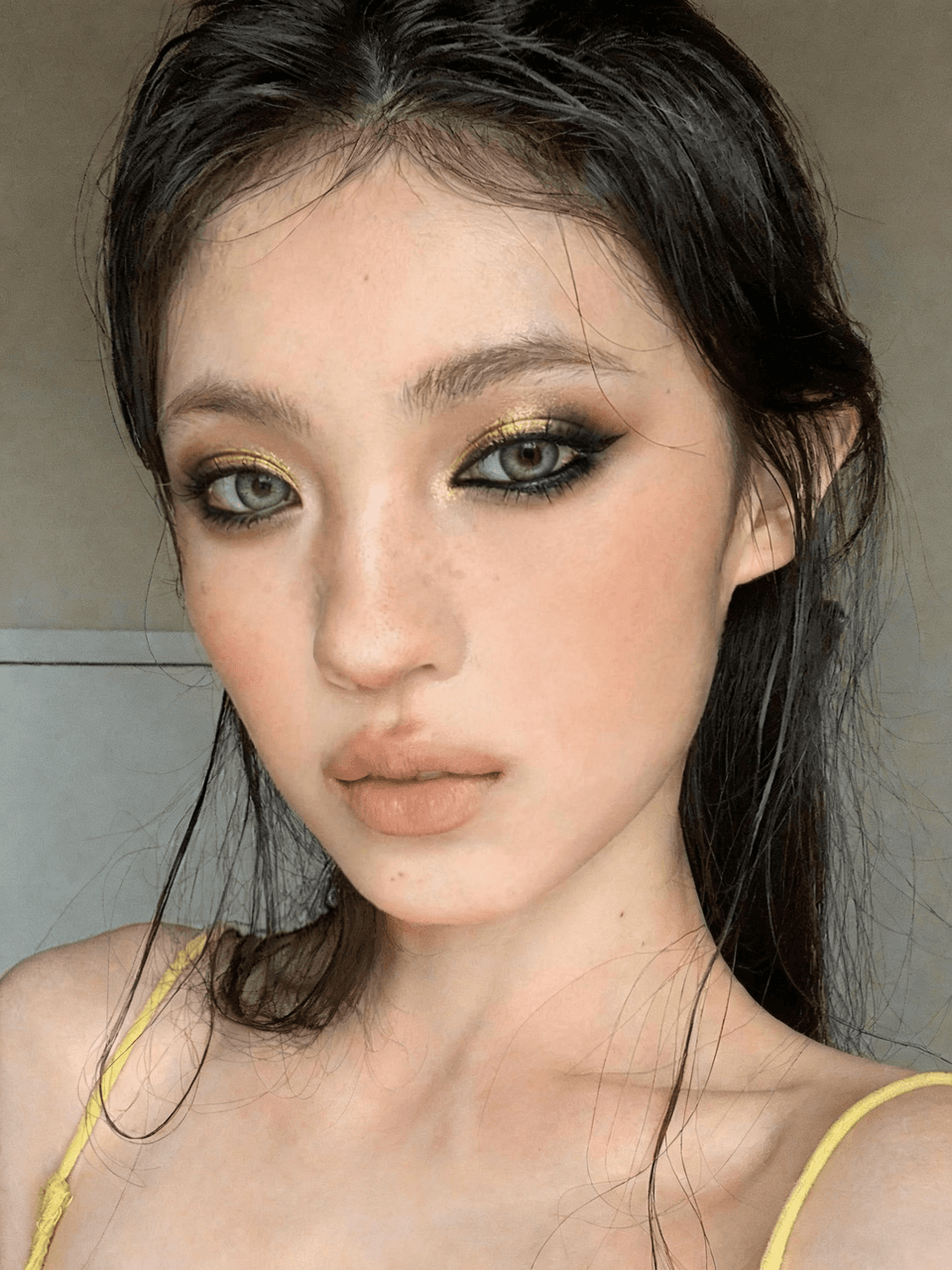
Makeup Reference Transfer
Transfer makeup from a reference while preserving facial structure.
"Transfer a reference makeup look with golden brows and metallic eye makeup while preserving facial structure."